
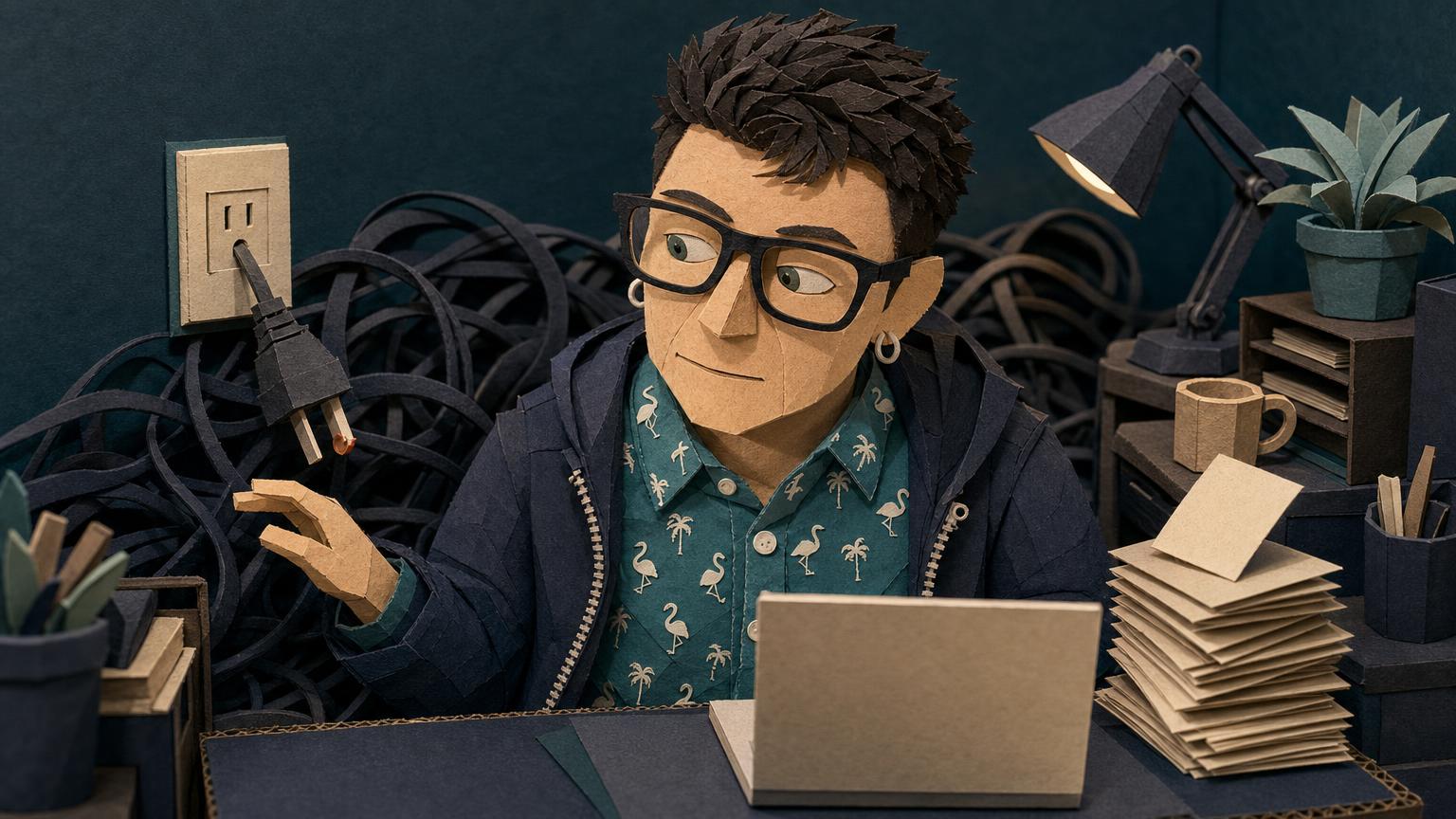
A business that is one login from collapse runs its whole operation through a single account, a single device, or a single person’s memory, with no second copy and no recovery path, which means one lost password or one dead laptop takes everything down at once. It feels fine right up until the day it is not. The fix starts with naming it out loud.
- Being one login from collapse means your entire operation depends on a single point of access that has no backup and no recovery plan.
- Owning a tool is not the same as having a system. Obsidian and GitHub can sit in your account for years and still not protect your work.
- A setup feels fine because nothing has broken yet, not because it is safe.
- Syncing is not a backup. A copy that dies when the original dies is one copy wearing a costume.
- The 3-2-1 rule is the plain standard most fragile setups quietly fail: three copies, two storage types, one off-site.
- You do not need to understand the whole tool to make it less dangerous. You need one more copy and one more key.
He told me it was fine. The whole business, the client notes, the project files, the thing that pays the mortgage, all of it running through one account on one machine. He said it like a man reporting the weather. And for two years he was right, because nothing had broken. That is the trap of being one login from collapse. The setup works every single day until the one day it does not, and the gap between those two states is invisible from the inside.
Being one login from collapse means your entire business depends on a single point of access, like one password or one 2FA device, that has no second copy and no recovery route, so one lost credential or one dead laptop takes down everything at the same moment. It is the most common fragile setup I see, and almost nobody running it calls it fragile. They call it fine. Right up until it calls itself something else.
Here is the version I hear most. Someone tells me, “We don’t get it. I have Obsidian as well, and I have GitHub, and I still don’t get it.” They own the tools. They have the accounts. And they assume that owning the account is the same as being protected. It is not. Obsidian is a note app that stores your notes on your own computer by default. GitHub is a place to store and version code. Having both does not mean your work is backed up. It means you have two more logins that can fail.
Why does owning the tool feel like having a system?
Owning the tool feels like having a system because the hard part looked like the purchase, so once the account exists the brain files the job as done, even though the account is the starting line and the actual protection is the work nobody scheduled. You signed up. You paid. You poked at it once. The dashboard loaded. That felt like progress, and it was, but it was the smallest part.
A tool is a capability you could use. A system is the thing you actually do, repeatably, without having to remember. The distance between those two is where fragile setups live. You have Obsidian, so you feel organized. You have GitHub, so you feel safe. Neither feeling checked whether a second copy of your work exists anywhere else on earth.
Owning the account is the starting line, not the finish. Protection is the work that comes after the purchase, and it is the part nobody puts on the calendar.
This is not a failure of intelligence. It is how tools are sold. The signup is frictionless and the safety steps are buried three menus deep. You are not supposed to get it on your own. The setup was designed so you would feel done before you were safe.
What does one login from collapse actually look like?
One login from collapse looks like a normal, functioning business on the surface, where files open and work gets done, but every critical thing traces back to a single credential on a single device, so there is no second copy, no written recovery path, and no person who could rebuild it if you vanished. It is quiet. That is the dangerous part.
See if any of this sounds like your setup. Your Obsidian vault lives on one laptop and nowhere else. Your GitHub account has 2FA turned on, which is good, but the recovery codes are either lost or were never saved. The password to the thing that runs your invoicing is in one person’s head. Your backup is actually a sync, and a sync copies deletions too, so if the original corrupts the copy corrupts right along with it.
GitHub is blunt about the ceiling here. Its own policy states that if you lose your 2FA credentials and your recovery methods, support cannot restore your account. You can read that directly in the GitHub Account Recovery Policy. Owning the account does not guarantee you can get back into it. That is the whole fragile setup in one sentence.
A sync is not a backup. If the original corrupts and the copy corrupts with it, you never had two copies. You had one copy and a reflection.
How do I know if my backup is really a backup?
You know your backup is real when it passes the 3-2-1 test: three copies of your data, on two different types of storage, with one copy kept off-site, because a single copy in a single place is not a backup no matter what the app labels it. If you cannot point to all three, you have a wish, not a plan.
The US cyber agency CISA recommends this exact rule for small businesses. Their guidance on how to back up business data walks through the 3-2-1 standard and tells you to inventory what you actually depend on first. That inventory step is the one most fragile setups skip, because listing your single points of failure means admitting they exist.
Here is the difference laid out plainly.
| What you have | What it actually is | What happens when it fails |
|---|---|---|
| One Obsidian vault on one laptop | A single copy | Laptop dies, work is gone |
| Vault synced to a cloud folder | One copy plus a mirror | Corruption or deletion syncs across both |
| Vault committed to GitHub with saved recovery codes | A second copy with a recovery path | Laptop dies, you clone it back |
| GitHub with 2FA and no recovery codes | A locked copy you cannot reach | Lost phone, account permanently gone |
Obsidian itself says the quiet part in its own documentation. Its guidance on how to back up your files notes that notes are stored locally by default and that syncing is not a backup. The app you trusted to hold your thinking is telling you, in writing, that you need more than it gives you out of the box.
Why does nobody call the fragile setup fragile?
Nobody calls the fragile setup fragile because it has not failed yet, and a thing that keeps working looks indistinguishable from a thing that is safe, so the owner reads daily function as proof of durability when it is only proof that the bad day has not arrived. Function is not the same as resilience.
There is also a quieter reason. Naming it out loud feels like admitting you built it wrong. So people keep calling it fine, because fine does not require action and fine does not cost anything today. The operational chaos stays politely hidden behind a working login screen. The whole thing is bubblegum, popsicle sticks, and a prayer, and the prayer has been answered every day so far, which is exactly why nobody stops to notice the prayer is doing the load-bearing work.
A setup that keeps working looks exactly like a setup that is safe. The difference only shows up on the day one of them fails, and by then the test is over.
GitHub states plainly that if you lose both your two-factor credentials and your account recovery methods, you have permanently lost access to that account. There is no appeal, no support ticket, and no human who can hand it back. One missing recovery code can end a decade of work.
Almost every time I open a client’s setup, I find a single point of failure they have stopped seeing because it has worked for so long. The pattern is not carelessness. It is familiarity. The laptop with the only copy, the account with the lost recovery codes, the password that lives in exactly one head. They describe it to me as “our system,” and I have learned to hear that word carefully, because what they usually have is one brave login doing the work of an entire infrastructure, and nobody in the room had ever said that out loud until I did.
How do I know if my business is one login from collapse?
You are one login from collapse if losing a single password, device, or person would stop your business from operating. Run the test out loud: if this one thing disappeared tonight, could I keep working tomorrow? If the honest answer is no, you have found your single point of failure, and now you can fix it instead of hoping it holds.
Is syncing my files the same as backing them up?
No. Syncing keeps copies identical, which means it copies your mistakes too. Delete a file or corrupt it and the sync faithfully spreads that damage everywhere. A real backup keeps a version from before the problem, stored somewhere the original cannot reach. Obsidian’s own documentation makes this distinction directly.
Why do I own Obsidian and GitHub and still not get it?
Because owning a tool and using it as a system are two different things, and the signup process makes you feel done long before you are safe. You are not missing some obvious step everyone else knows. The safety parts are buried and the purchase parts are easy. That gap is by design, not a reflection of you.
What is the 3-2-1 backup rule?
The 3-2-1 rule means keeping three copies of your data, on two different types of storage, with one copy stored off-site. CISA recommends it as the baseline for small businesses. Most fragile setups have one copy in one place, which the rule exists specifically to prevent.
Can I recover a GitHub account if I lose my 2FA?
Only if you saved your recovery codes or set up an alternate recovery method in advance. GitHub’s policy is explicit that support cannot restore a 2FA account once the credentials and recovery options are gone. The time to fix this is now, while you still have access to set recovery up.
Do I have to understand the whole tool to make it safer?
No. You do not need to master Obsidian or GitHub to stop being fragile. You need one more copy of your work in one more place, and you need your recovery keys saved somewhere safe. Those two moves remove most of the collapse risk without requiring you to finally get it.
Start with the honest inventory. Write down every single thing your business cannot run without, then next to each one note where the second copy lives and who could reach it if you could not. The blank spaces on that list are your fragile setup, named at last. Pick the scariest blank and fix that one this week. One more copy, one more saved key. You do not have to fully get the tool to stop being one login away from losing it.
I want to hear from you. What’s the thing in your business that’s been holding way longer than it should? Leave a comment and name it. Saying it out loud is the first move that actually changes anything.
… and see more of my posts in your Google results.